

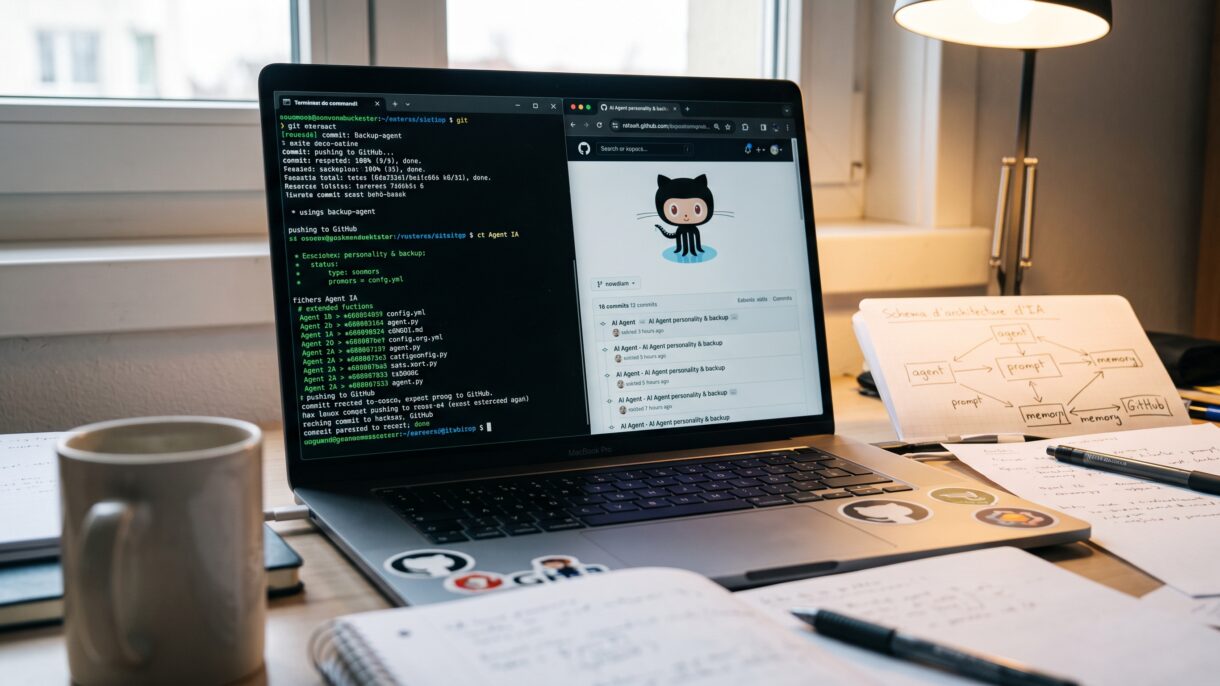

The more you use an AI agent, the more valuable it becomes. You customize its personality, add skills, teach it how you work, and build up memory and context. If the machine running it fails, rebuilding all of that from scratch would be painful.
A practical safety net is to back up the files that make your agent personal into a private GitHub repository — while carefully keeping secrets, tokens, and credentials out of it.
🗂️ What to back up
The goal is simple: (your personalized agent) − (generic install) − (secrets). Concretely, that usually means:
Configuration files
Model, provider, personality, terminal preferences, and other agent-level settings.
Personality / instructions
The role, tone, and rules that define how your agent behaves and responds.
Memory files
Long-term context and preferences — review carefully for personal info first.
Scheduled tasks
Cron jobs and recurring automations that are easy to forget during a rebuild.
Custom skills
Scripts and workflows you created or modified for your specific needs.
Never include
Secrets, tokens, credentials — these must never go into the repo.
🚫 What never belongs in the repo
.env files
🚀 The backup workflow
💭 Final thoughts
A personalized AI agent becomes hard to replace once it holds your settings, memory, and workflows. A clean private GitHub backup gives you a restore path when hardware fails or you migrate machines — without turning GitHub into a secrets manager.
Inspired by a guide from Zawanah about backing up a Hermes agent to GitHub.
